
Work 05 / 10Product
Zaychess
A chess app built to feel good to play
Start fast
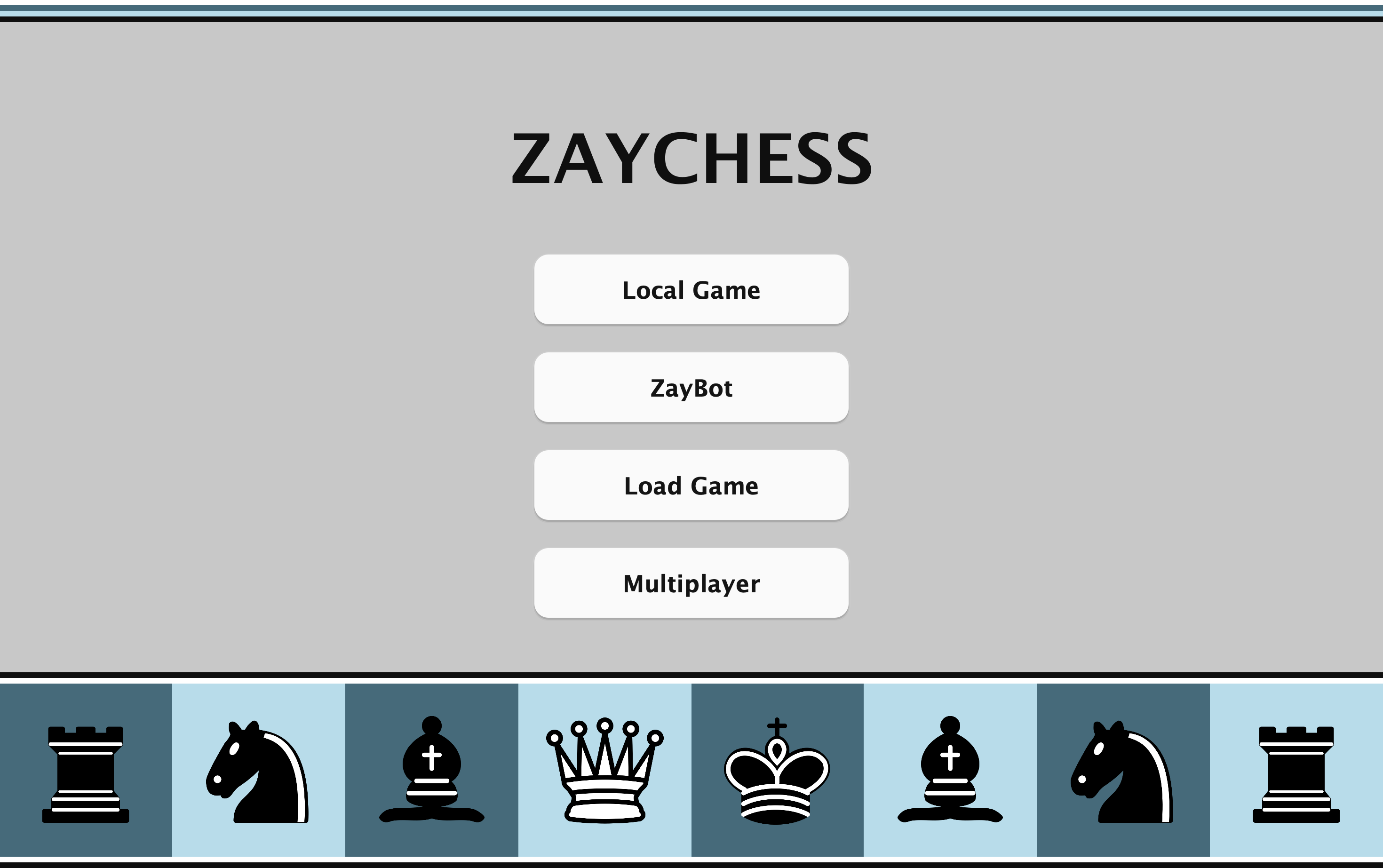
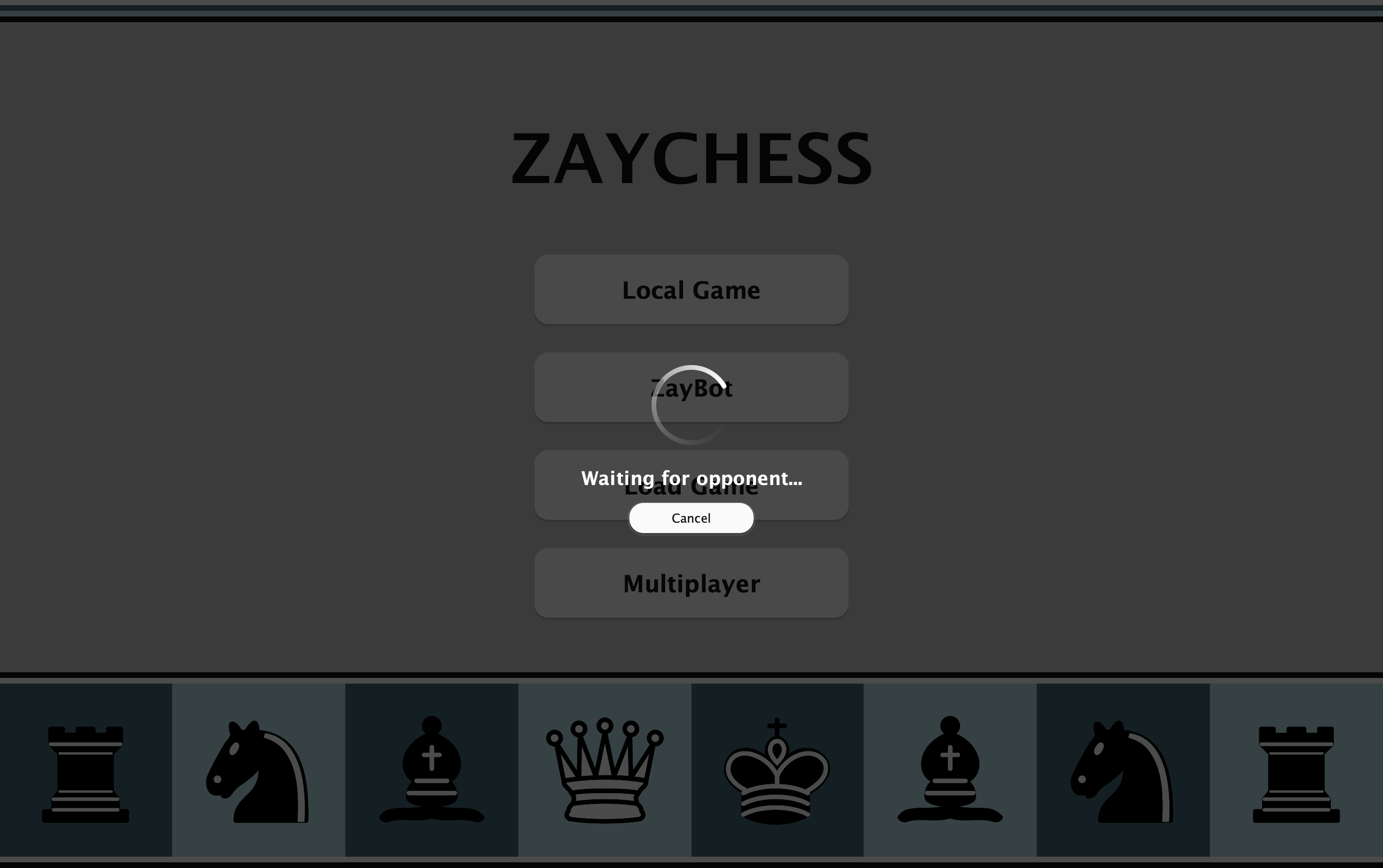
The home screen puts every mode one click away: Local Game, ZayBot, Load Game and Multiplayer.
Drag and drop
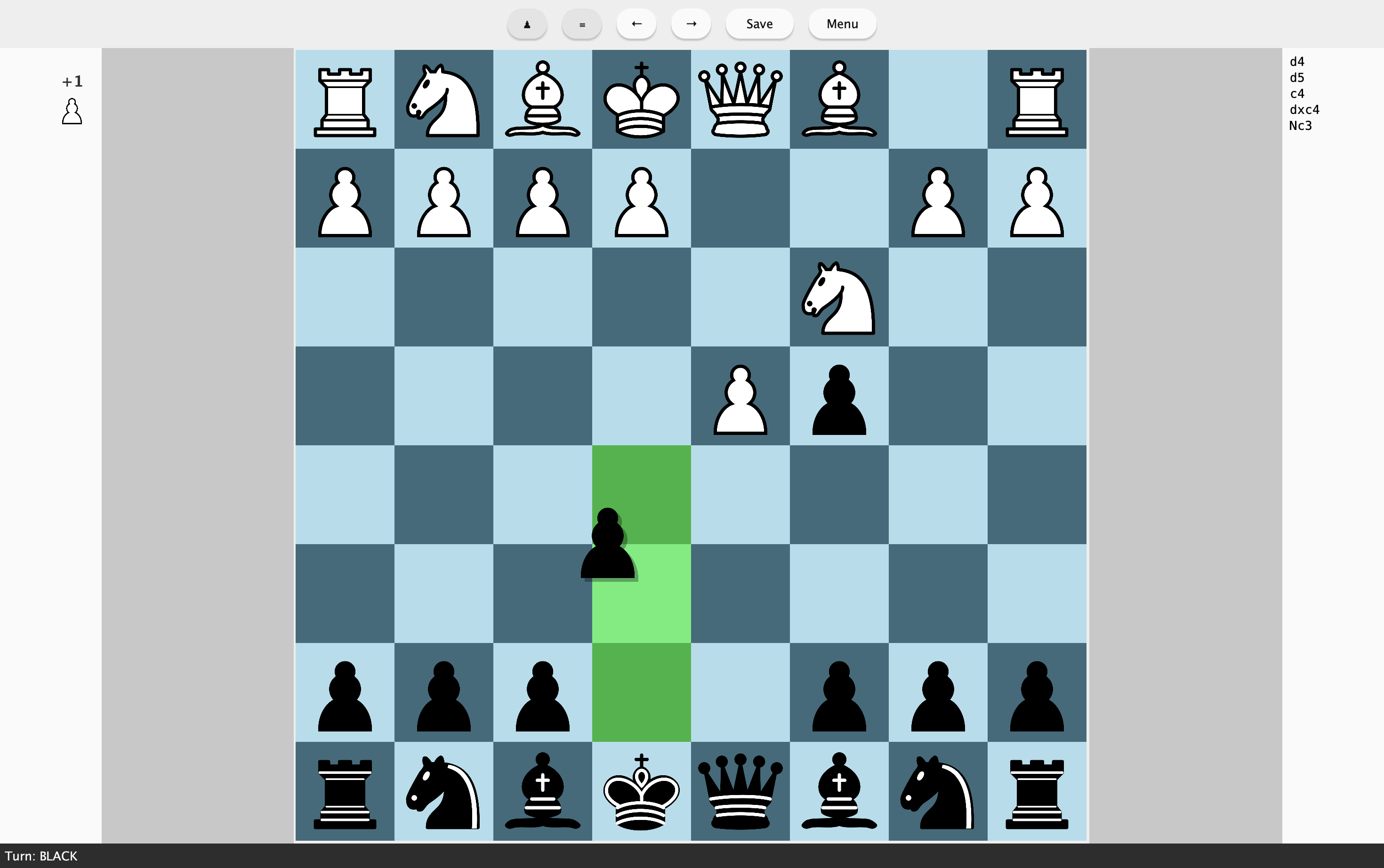
Move pieces directly on the board. Legal destinations are highlighted as you drag.
Match setup
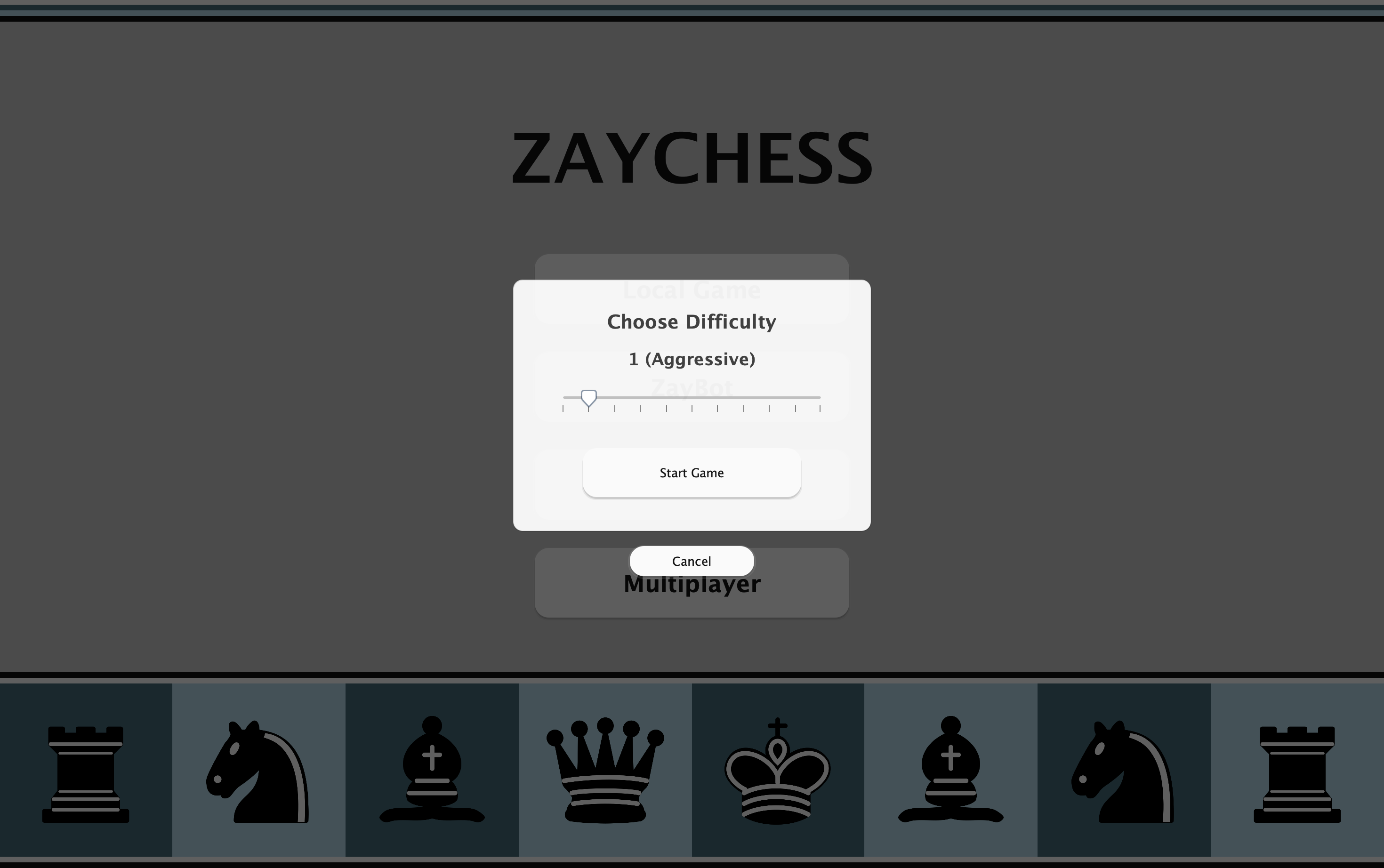
Before a ZayBot match, pick the difficulty on a slider; the aggressiveness for that level is shown as you move it.
Resume a saved game
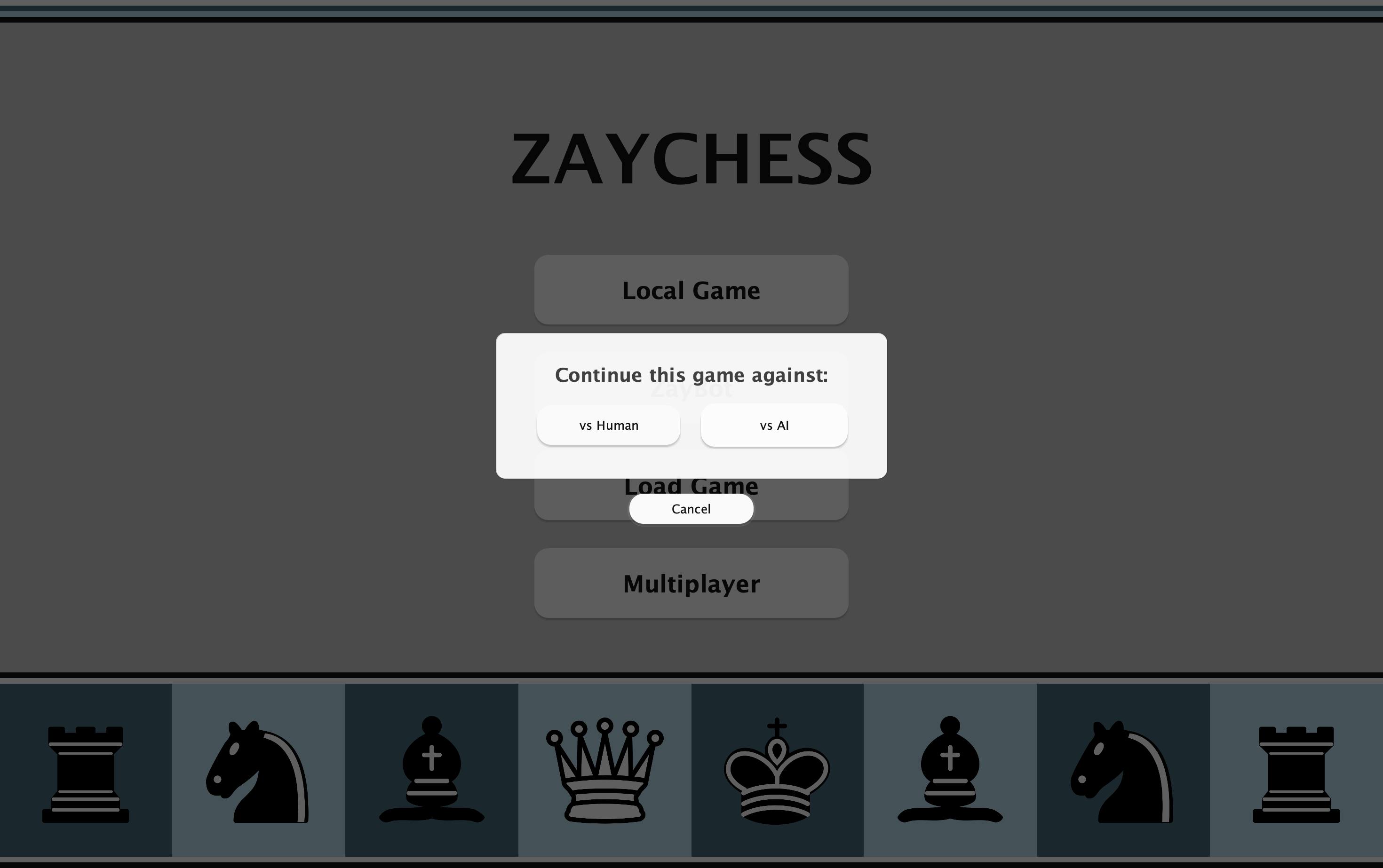
When reopening a saved game, continue against another player or hand the other side to the AI.
Online matchmaking
Queue for an online game through the relay server; the waiting screen lets you cancel at any time.
Three ways to play, and every game kept.
- 01
ZayBot and Serendipity
An AI opponent across 11 difficulty levels, its lower levels biased in style from passive to hyper-aggressive.
- 02
Local and online play
Face to face on one Mac with automatic board flipping, or online through the relay server's matchmaking.
- 03
Portable sessions
Save games to .chesslog files, load them later, and undo or redo with AI-aware reconstruction.
- Platform
- macOS 12.0+
- Version
- 1.2
- Distribution
- Mac App Store
- Saved games
- .chesslog
- Data
- No account, no tracking